
What Is Unlucid AI?

At its core, Unlucid AI is an all-in-one web platform that combines text-to-image generation, targeted photo editing, and short-form AI video creation.
Instead of forcing users to install complex local open-source models like Stable Diffusion or ComfyUI, Unlucid packages these capabilities into four straightforward browser workspaces:
- Video AI: Generates short video clips from text prompts or an uploaded starting frame.
- Effects AI: Applies pre-made, social-media-friendly motion effects (like flying, squishing, smashing, or zooming) directly to an image.
- Create Image: A standard prompt-based generator supporting multiple visual styles (Anime, Realistic, 3D Render, Pencil, Cartoon) along with character facial references.
- Edit Image: Brush-based and automatic selection tools to replace objects, swap clothing, or erase unwanted elements while preserving lighting and proportions.
Note on “Uncensored”: While the marketing highlights fewer content guardrails than platforms like Canva or Runway, it doesn’t mean unlimited or completely unrestricted usage. standard platform rules and a credit system still apply.
How the Credit System (Gems) Works
Unlucid AI runs on a pay-as-you-go currency called Gems. While you receive daily free Gems to test basic generations, heavier processing consumes credits fast.


- Images: ~1 Gem per generation
- Targeted Edits: ~2 Gems per edit
- Videos: ~10 Gems per short clip
Pricing Breakdown
If you decide to upgrade past the daily free allowance, here is how the credit bundles stack up:
| Gem Bundle | Price | Max Images | Max Edits | Max Videos | Approx. Cost/Gem |
| 120 Gems | $8.99 | Up to 120 | Up to 60 | Up to 12 | ~$0.075 |
| 450 Gems | $29.99 | Up to 450 | Up to 225 | Up to 45 | ~$0.067 |
| 1,250 Gems | $59.99 | Up to 1,250 | Up to 625 | Up to 125 | ~$0.048 |
Buying paid Gem bundles also removes default watermarks from your exports.
Read More:
Unlucid AI vs. Popular Alternatives
How does Unlucid compare to other major creative tools on the market? It really comes down to what you prioritize: ease of use, granular control, or production-grade stability.
| Tool | Free Tier | Primary Focus | Control Level | Best Suited For |
| Unlucid AI | Daily free Gems | Fast edits, quick motion effects, open image styles | Simple prompts & presets | Casual creators & rapid visual testing |
| Runway | 125 one-time credits | Professional image & video generation | High (camera movement, cinematic controls) | Filmmakers & creative agencies |
| Pika | 80 monthly credits | Short animations, face/object swaps | Moderate (preset effects & prompt controls) | Social media content creators |
| ComfyUI | Free (local run) | Node-based workflows for images, video, 3D | Maximum (full technical pipeline control) | Power users & developers |
The Pros and Cons
What Works Well
A single tab for image generation, brush editing and video motion saves time over having to switch between multiple image and brush packages and video motion packages.
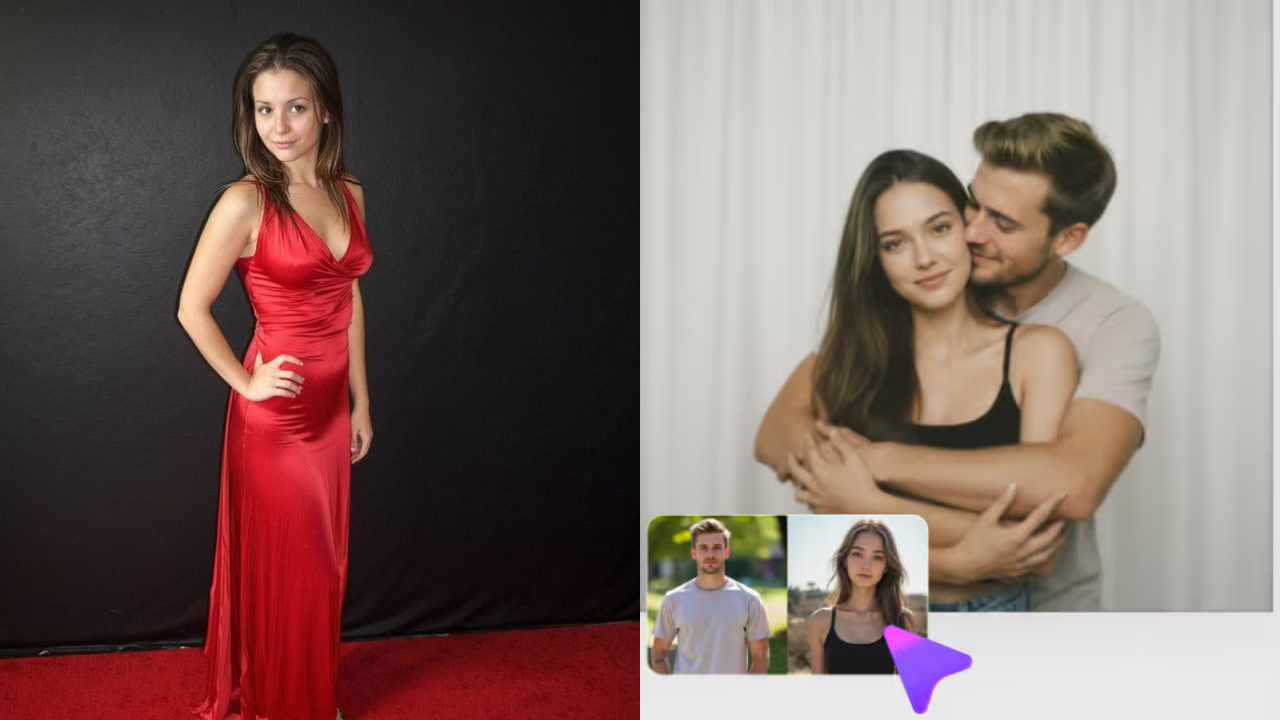
Low Entry Barrier: You can get started without having to configure the local GPUs or complex workflows, unlike technical node-based software.
TikTok or Instagram Reels have captured the attention of many with their vibrant visuals, and with AI Effects, you can achieve eye-catching results in a matter of seconds.
Important Drawbacks & Risks
Some AI Animations may cause hands, faces, or minor body movements to look distorted.
Trial and Error re-rolls can be quite expensive since the cost of a video generation is about 10 Gems.
Transparency & Trust: Cybersecurity analyzers (such as ScamAdviser) recommend being careful as little information is found about the history of the domains, and the transparency of the developers is low. Never upload sensitive, personal photos or use it as a sole asset backup.
Final Word
For those in search of an easy playground to try out creative suggestions for prompt generation, rapid object removal or a fun short animation, Unlucid AI is worth a spin for their free daily allowance.
But if you are in a commercial enterprise or making video for films, you’ll be better off sticking with more experienced options like Runway or a local open-source run setup for consistency and data privacy.
Read More: 25 Best Hairstyles for Long Hair to Try for Every Occasion