PSC Thulasi Login: Access Kerala PSC My Profile & Hall Ticket
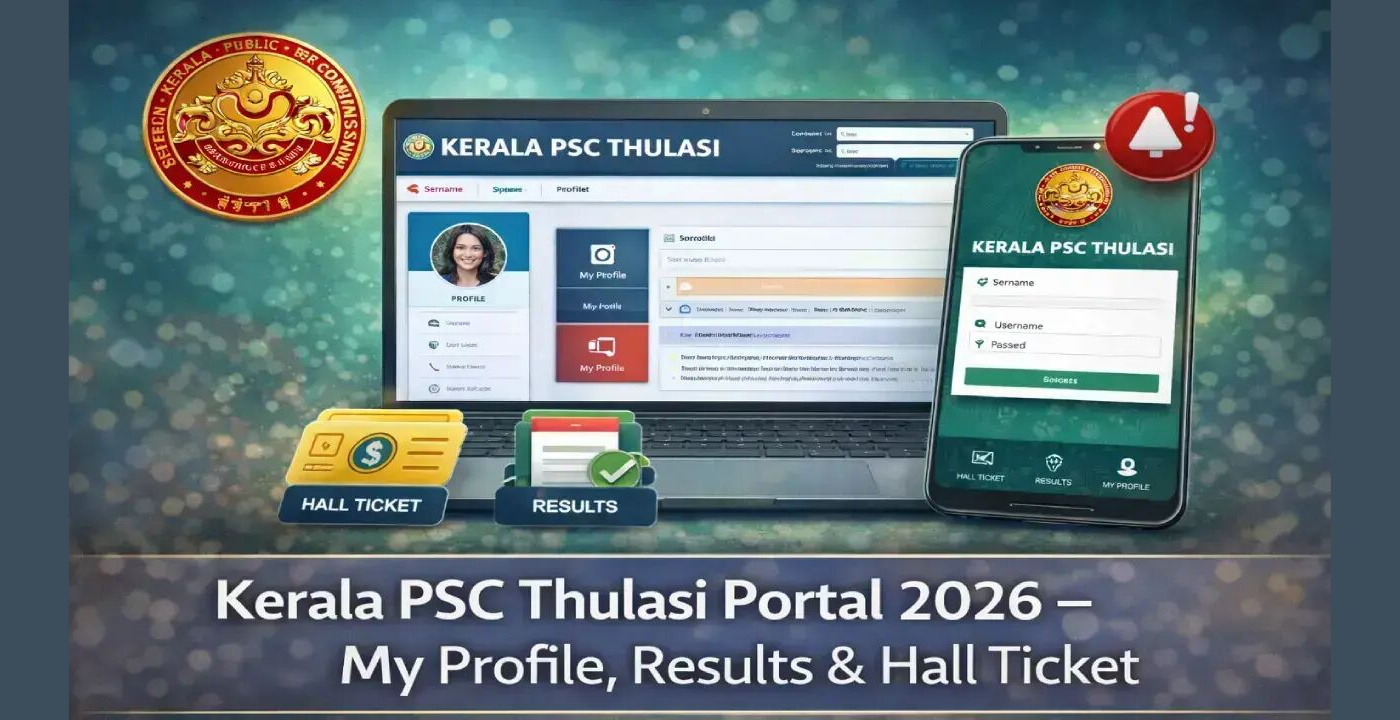
Hi Readers! Unable to log in into your Kerala PSC Thulasi profile or download Hall Ticket? In this guide, you will get to know all the information related to PSC Thulasi Login, from registration to the profile, download of the admit card, results etc.
Kerala Public Service Commission (KPSC) exams are highly competitive, but logging in to the Thulasi portal does not have to be. The step-by-step guide below will help you to download a hall ticket, whether you are a first time user or a candidate who has already applied for a hall ticket. The following is how we will do it.
What is Kerala PSC Thulasi Portal?
The Kerala Public Service Commission has launched the online portal thulasi.psc.kerala.gov.in. It is a single portal providing a facility to Government job aspirants to register, fill applications for recruitment, download hall tickets and also to check examination results.
The best part? Registration is required once and will last for the entire academic year. After registration you don’t have to start with each Kerala PSC notification.





How to Register on Kerala PSC Thulasi
New users have to register once (OTR) before they can log in. Here is how:

- Visit thulasi.psc.kerala.gov.in
- On the home page, click on “New Registration”.
- Add your personal information, such as your name, date of birth, address, email and phone number.
- Submit your picture and signature in the format specified
- Read the directions carefully, check “I Agree” and click the Register button.
- Your unique User ID will be sent to you once you complete it through your registered mobile number
Note: Registration to PSC Thulasi is totally free.
Read Also: Racksbetting com: Your Ultimate Guide to Sports Betting Tips, Odds & Casino Predictions
PSC Thulasi Login: Step-by-Step Process
PSC Thulasi Login is a simple and quick process when you are registered. Follow these steps:
- Click on the given link and open the website thulasi.psc.kerala.gov.in.
- Find the “One Time Registration Login” tile on the Homepage.
- Please enter your User ID and Password (both are case sensitive):
- Enter CAPTCHA code provided by the computer.
- Press the “Login” button.
You will be redirected to your own personal dashboard and be able to view all active notifications, the status of your applications and upcoming exam details.
How to Download Your Hall Ticket
Admit cards will be provided on the portal 7-10 days prior to the exam. For example, if you want to download your own, you can do this:
- Fill in the PSC Thulasi Login as mentioned above.
- From the Dashboard screen go to Admission Ticket / Hall Ticket Download section.
- From the list, find the examination you are looking for.
- Click the green download icon next to the exam name
- Save and print a copy to take to the test room.
Note: Hall tickets will not be issued without the commission’s approval of your application.
Resetting Your Password If You Forgot It
Can’t access your account? No need to worry. To resume access:
- Navigate to the Thulasi login page and then click on Forgot Password?
- Please enter your User ID, Date of Birth and Unique ID
- Complete the OTP verification process provided in the mobile or e-mail address you registered.
- Make and enter a new password
If you have also forgotten your User ID then call the PSC Helpdesk on 0471-2546400 or send an SMS message “KL USR” to 166 from your registered mobile number.
How to Check Your Results on Thulasi
Once logged in, it is easy to see exam results:

- Sign in and click on the “Results” tab on the dashboard.
- There it will show you your own exam results.
- To check the ranklist and shortlist candidates, go to main website of Kerala PSC at keralapsc.gov.in and click on “Ranklist”.
Final Word
Applying to Government of Kerala jobs is made so simple. The PSC Thulasi Login portal is user-friendly and provides a single place for handling the registration process to results. Read and put into practice the steps outlined in this guide and you’ll never miss an exam deadline again. Bookmark thulasi.psc.kerala.gov.in today and take the first step towards your dream government job in Kerala.
FAQs
1: What’s the proper site for PSC Thulasi Login?
On the homepage, enter the User ID, password and CAPTCHA code.On the homepage, enter the User ID, the password and the CAPTCHA code.
2: How to download my hall ticket from Thulasi?
Log in to your account, click on the “Admission Ticket” or “Hall Ticket Download” section, choose your examination and then click on the download button. Hall tickets are usually issued 7-10 days prior to the Exam Date.
3. What is the cost of registration of PSC Thulasi?
Yes, there will be no charges for one-time registration on PSC Thulasi. There may be a nominal fee in respect of individual exam applications, depending on the category of the candidate.
Q4. Is it possible to use PSC Thulasi from my mobile phone?
Absolutely. The portal is easily accessible through all the major browsers and it is mobile optimized. For Android users, there is an official PSC Thulasi mobile application which is available on Google Play Store.
Read More: CGM ATR Login Complete Guide and Register Process